




Last Updated: November 17, 2025
I’m excited to share the top DoorDash tips and tricks shared by YouTuber Pedro “Mr.BetonYou” Santiago. He collected and vetted the best DoorDash tips from a seasoned driver to make sure you can avoid the coming mistakes and maximize your earning potential during your DoorDash career.
As a food delivery driver, you need to learn how to boost your earnings and streamline your workflow. This guide will help you make the most of your DoorDash experience, whether you’re a newbie or a pro looking to up your game. Don’t stress out if you can’t focus on all the details first. In the beginning, try to pick up one or two tips that may have the biggest impact on your income. Later on, you can get into the minute details once you feel confident in your DoorDash business.
Table of Contents
Tips and Best Practices for DoorDash Drivers
Maximize Earnings
Check peak pay before you start, learn your market’s busiest areas, and set clear earning goals for each shift. Understanding base pay, tips, and how the app calculates payouts helps you decide which orders are worth accepting. The more familiar you are with the app and local restaurants, the easier it becomes to choose profitable dashes.
Stay Prepared on the Road
Start with a full tank of gas, keep your phone fully charged, and always bring your Red Card and basic supplies. Being prepared reduces interruptions and keeps your workflow smooth. Know how to unassign low-value or time-consuming orders, double-check item counts at pickup, and read customer instructions to avoid mistakes and improve your ratings.
Work Efficiently
Don’t wait for the app’s pickup time—go inside as soon as you arrive. Use the pause feature when you need a break without ending your dash. Stay flexible with merchant changes and double-check drop-off notes to avoid issues. After each dash, review your earnings breakdown to understand your true hourly rate and track your performance over time.
Common Mistakes to Avoid
Missing Easy Earnings
Skipping peak pay, accepting too many low-paying orders, or working without income goals leads to lower earnings. Not knowing your local restaurants or traffic patterns also slows you down and reduces efficiency.
Being Unprepared
Starting with low gas, forgetting your Red Card, or not knowing the app well creates delays and lost opportunities. Failing to unassign bad orders, ignoring customer instructions, or waiting in your car until the pickup time all slow down your workflow.
Overlooking Ratings and Breaks
Ignoring your customer ratings and acceptance rate can affect your order flow. Not having a plan for breaks or downtime leads to wasted time, reduced earnings, and more stress during your shift.
The DoorDash Red Card
The Red Card is a prepaid debit card issued to Dashers and is required for certain orders that must be paid at the counter instead of through the app. You’ll use the Red Card for in-store purchases at places like restaurants, convenience stores, and pharmacies. DoorDash loads the funds automatically, not you. Keep the card activated and in your vehicle so you’re always ready when an order requires it.
Managing Your Finances: Tax and Expense Tracking
As an independent contractor, staying organized with your taxes is essential. To stay compliant and maximize your tax savings, make sure to:
- Set aside around 30% of your earnings for quarterly taxes
- Save receipts for work-related costs
- Track every business mile so you can claim the full mileage deduction.
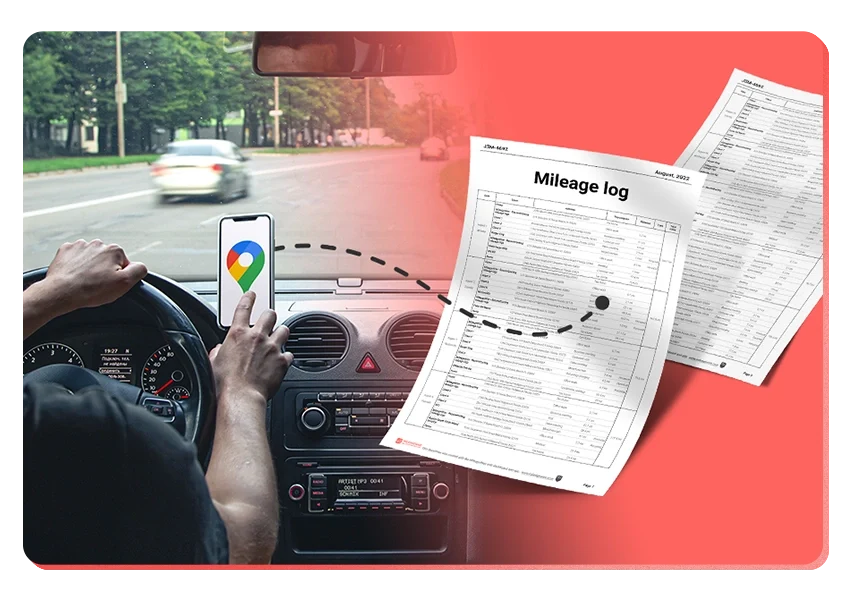
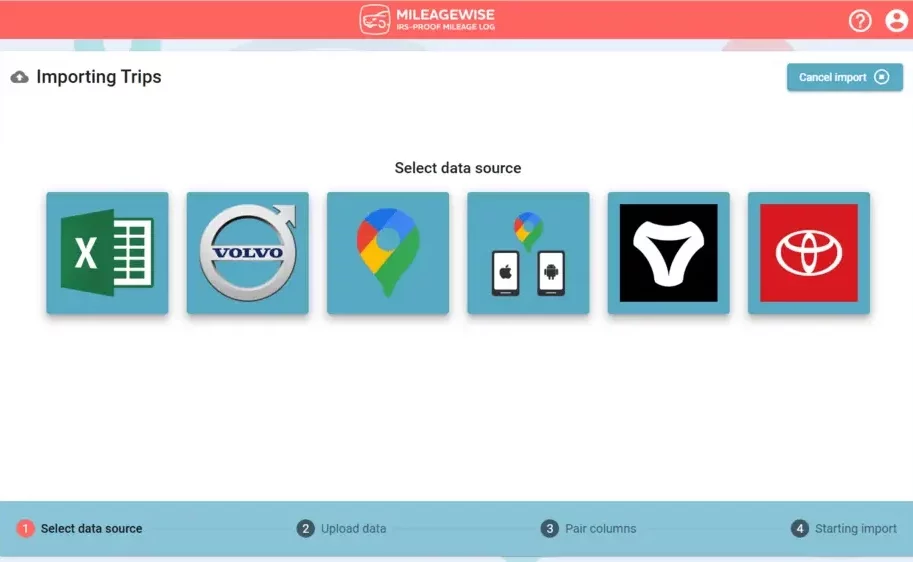
Apps like MileageWise’s mileage tracker make this easier by automatically recording your trips and creating IRS-compliant mileage logs. With consistent tracking and a simple system, tax season becomes smoother, and your true earnings become clearer.
Try MileageWise for free for 14 days. No credit card required!
In Conclusion
To wrap it up, focus on the small habits that make the biggest difference. Pair smart order selection with solid preparation, stay flexible on the road, and keep an eye on your ratings. And most importantly, track every mile and organize your expenses so you actually keep more of what you earn. Start with one or two of these DoorDash tips today, build from there, and you’ll see your efficiency and earnings grow fast.
FAQ
How do I set up my Dasher account?
First, download the DoorDash Dasher app. Then, sign up by providing your personal info and agreeing to a background check. You’ll also need to upload your driver’s license and insurance. Once you’re approved, you can start accepting delivery jobs in your area.
What should I know about the DoorDash app interface?
The Dasher app is your main tool. It shows you available orders and lets you navigate to restaurants and dropoff spots. You can also manage your earnings and use features like accepting orders and fast pay. Learning how to use the app well will make you more efficient.
How can I maximize earnings during peak pay periods?
DoorDash offers extra pay during busy times. Keep an eye on the app for these opportunities. Dash during these times to earn more. Just be ready for busier restaurants and more orders.
What's the best way to handle stacked orders?
Stacked orders can be profitable but challenging. Always check the order details and plan your route carefully. If you need to delay, let the customer know. Good planning and execution help you earn more and keep customers happy.
How do I use hotspots effectively?
Hotspots are areas with lots of orders. Position yourself in or near them to get more requests. Make sure to find your own spots asap.
What can DoorDash drivers deduct on their taxes?
DoorDash drivers can typically deduct business mileage using the IRS standard mileage rate, along with work-related expenses such as hot bags, phone bills, and car maintenance. The IRS allows independent contractors to deduct ordinary and necessary business expenses, so keeping receipts and accurate mileage records is essential.

Introducing the Google Timeline to Mileage Log Mobile App
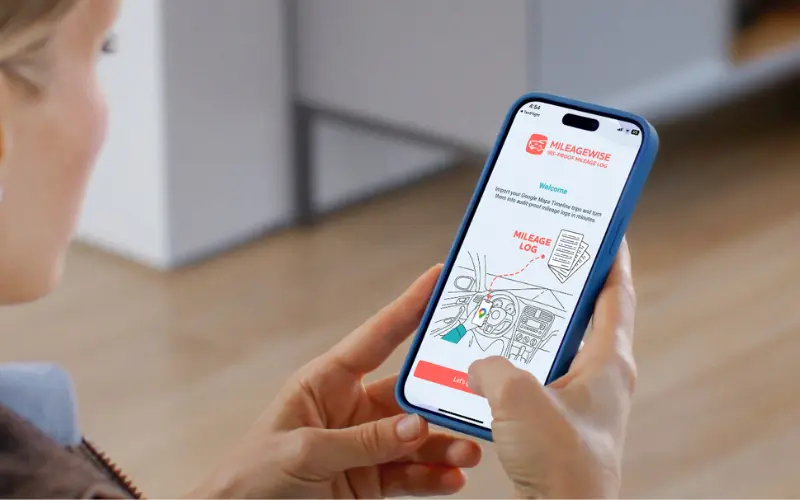
We’re excited to share our latest development! You can now convert your Google Maps Timeline drives directly into an IRS-compliant mileage log right on your

DoorDash Tips and Tricks: Your Edge Over Competition
Last Updated: November 17, 2025 I’m excited to share the top DoorDash tips and tricks shared by YouTuber Pedro “Mr.BetonYou” Santiago. He collected and vetted the

8 Uber and Lyft Scams Every Driver Should Know
Last Updated: November 9, 2025 Driving for Uber or Lyft can be a rewarding gig, offering flexibility and the chance to meet new people. However,
SherpaShare Shutdown – What To Do Now?
Last Updated: October 7, 2025 SherpaShare was a service designed primarily for people who work as independent contractors, particularly those in the ride-sharing and delivery
Gas Mileage Tracker: Your Key to Savings
Last Updated: August 8, 2025 A gas mileage tracker helps drivers watch their vehicle’s fuel use, mileage, and related costs. You might want one to

How To Track Miles on iPhone: Find your Match
Last Updated: August 6, 2025 Looking to track miles on your iPhone? Whether it’s for fitness, personal use, or business tax deductions, your iPhone offers
Try MileageWise for free for 14 days. No credit card required!
Related Guides
Related Blogposts


It’s Finally Here! Google Maps Timeline Import from Mobiles
Transform your Trip Lists into Mileage Logs with MileageWise

Introducing the Google Timeline to Mileage Log Mobile App
We’re excited to share our latest development! You can now convert your Google Maps Timeline drives directly into an IRS-compliant mileage log right on your

DoorDash Tips and Tricks: Your Edge Over Competition
Last Updated: November 17, 2025 I’m excited to share the top DoorDash tips and tricks shared by YouTuber Pedro “Mr.BetonYou” Santiago. He collected and vetted the

8 Uber and Lyft Scams Every Driver Should Know
Last Updated: November 9, 2025 Driving for Uber or Lyft can be a rewarding gig, offering flexibility and the chance to meet new people. However,
SherpaShare Shutdown – What To Do Now?
Last Updated: October 7, 2025 SherpaShare was a service designed primarily for people who work as independent contractors, particularly those in the ride-sharing and delivery
Gas Mileage Tracker: Your Key to Savings
Last Updated: August 8, 2025 A gas mileage tracker helps drivers watch their vehicle’s fuel use, mileage, and related costs. You might want one to

How To Track Miles on iPhone: Find your Match
Last Updated: August 6, 2025 Looking to track miles on your iPhone? Whether it’s for fitness, personal use, or business tax deductions, your iPhone offers

Introducing the Google Timeline to Mileage Log Mobile App
We’re excited to share our latest development! You can now convert your Google Maps Timeline drives directly into an IRS-compliant mileage log right on your

Was Your Google Timeline Deleted? Here’s What Happened:
Last updated: November 20, 2025 If you recently opened Google Maps and noticed your Timeline was deleted or partially missing, you’re not alone. In this

It’s Finally Here! Google Maps Timeline Import from Mobiles
Struggling to Manage Your Trips After Google’s Timeline Update? If you’re reading this, you’ve likely encountered the recent update affecting Google Maps Timeline. With Timeline
Transform your Trip Lists into Mileage Logs with MileageWise
Last Updated: October 1, 2025 Do you have a list of monthly trips from a data source like Excel or Google Timeline, but need to
How to Download Google Timeline Data: A Guide
Google Timeline Import Hub Last Updated: October 30, 2025 Want to download Google Timeline data? This guide shows you how to extract your location history
How to Export Google Maps Timeline: Get Your Data
Google Timeline Import Hub Last Updated: October 29, 2025 It can be tricky to export Google Maps Timeline data after Google’s recent updates. Many users
Google Maps Mileage Tracker: From Timeline to Mileage Log
Google Timeline Import Hub Last Updated: October 29, 2025 If you’re an active user of Google Maps Timeline you likely already know how convenient it
Timeero
Table of Contents Timeero Timeero is a time, location, and mileage tracking app designed for businesses and teams in the United States. It helps employers
Milewise by Allstate
Table of Contents Milewise by Allstate Milewise by Allstate is a pay-per-mile car insurance program offered by Allstate Insurance in the United States. It’s designed
Hurldr
Table of Contents Hurdlr Hurdlr is a finance and expense tracking app designed for self-employed professionals, freelancers, and gig workers in the United States. It