What do you want to find out?
The Vehicle Movement Monitoring feature is a mileage tracking method that allows you to automatically record client visits without having to press a single button. This feature uses GPS positioning and Data to log your arrival at destinations, ensuring that it’s battery and power-efficient.
How to Activate Vehicle Movement Monitoring
- Go to the Recording Options Menu:
- Open the MileageWise Mileage Tracker App and navigate to the Recording options menu.
- Select Vehicle Movement Monitoring:
- Choose Vehicle Movement Monitoring from the list and click START.
- Allow and Accept Permissions:
- Follow the prompts to allow and accept the required permissions, such as enabling location access “All the time”.
- Personalize Your Experience:
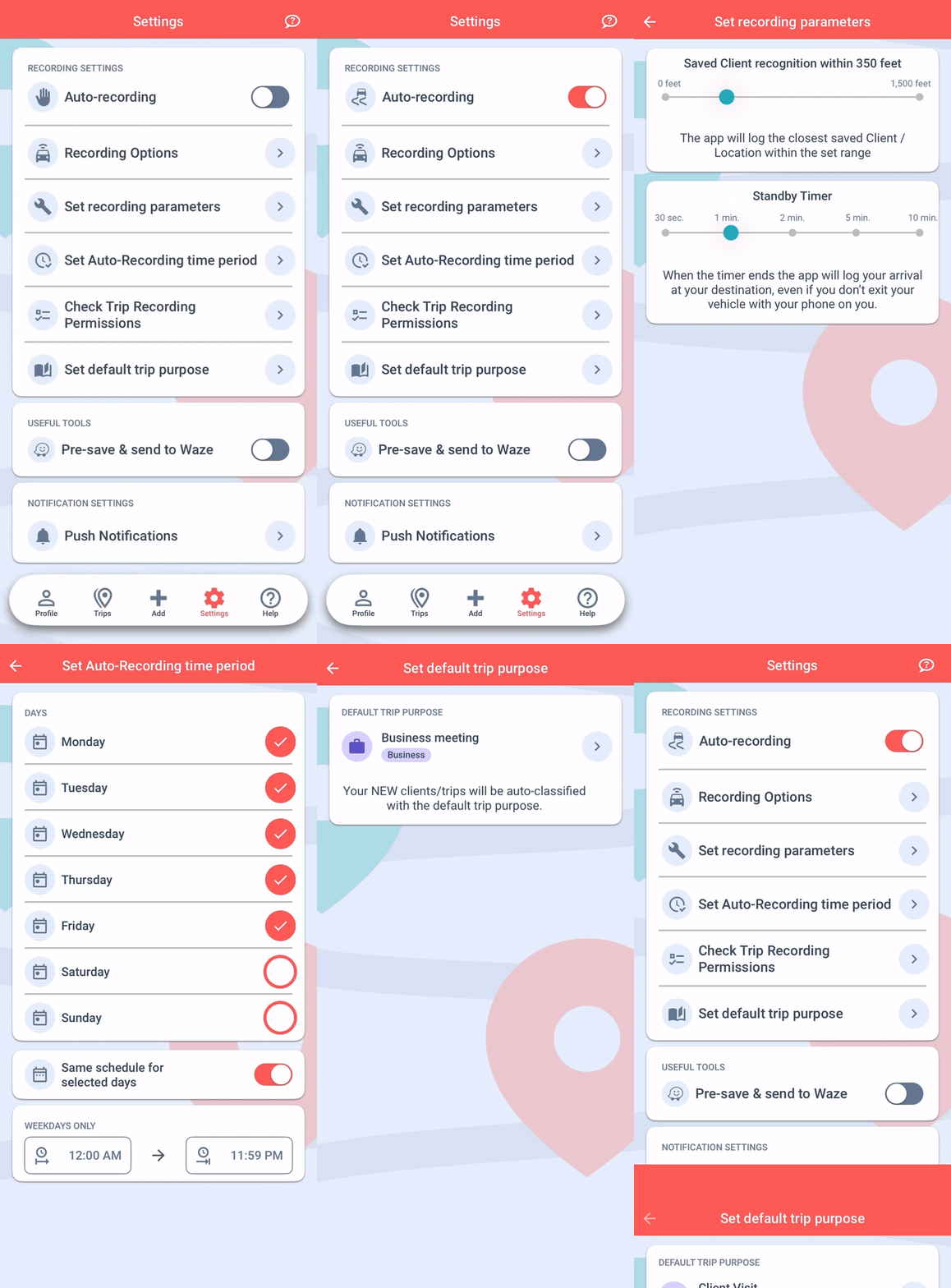
- Customize your settings by defining your Auto-Recording Time Period, setting a Default Trip Purpose, and enabling Saved Client Recognition.
- Optimize with the Standby Timer:
- The Standby Timer works alongside Vehicle Movement Monitoring to ensure your trips are logged even if the usual trigger (exiting the vehicle and walking) isn’t activated.
- Access the Standby Timer in the Settings menu under Set Recording Parameters. Set the timer based on how long you typically remain idle at each location before starting your next trip. This ensures that your trip is still logged automatically after the specified time period, even if you didn’t exit the vehicle.
- You’re All Set!
- Leave the rest to the app. It will automatically record your trips when you exit your car and start walking, or when the Standby Timer activates if you remain in the vehicle.
How It Works
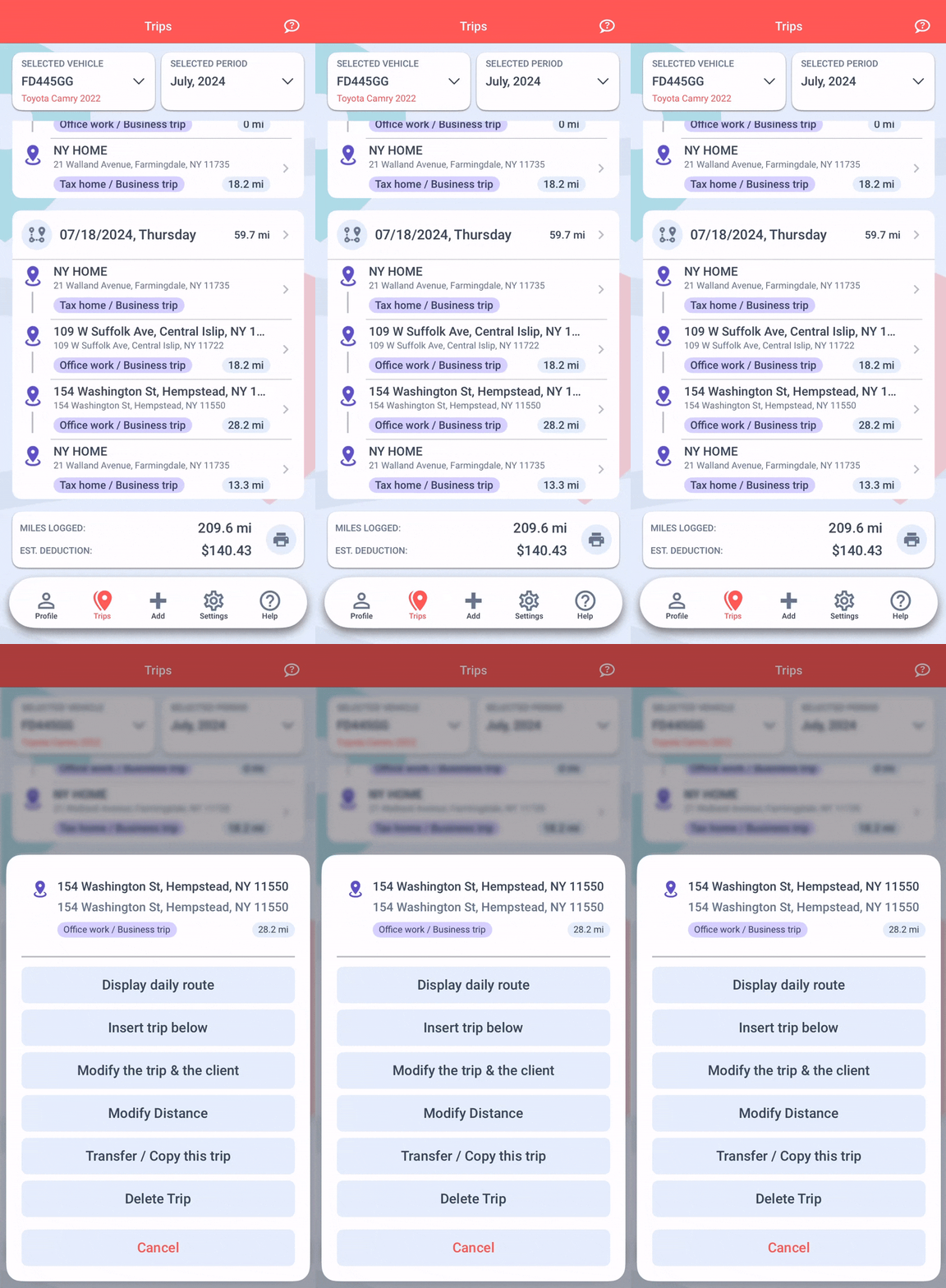
Once Vehicle Movement Monitoring is activated, the app will automatically log your trips when it detects that you have exited your car and started walking. If you don’t walk enough for the app to detect your movement, the Standby Timer will log your trip after the specified idle time.
Refueling Alerts
If you’ve chosen the Actual Expense Method as the tax deduction method for your vehicle, when you arrive at a Filling Station, the app will send you an alert and automatically navigate you to the Refueling/Charging data interface to enter the necessary details.
Avoiding Duplicate Entries
If this is your preferred recording option, we recommend deleting any previously set Recurring Daily Trips on the MileageWise Web Dashboard to avoid duplicate entries.
MileageWise Advantages:
- No external hardware is required.
- MileageWise’s Mileage Tracker App respects your privacy by only logging your arrival points, without tracking every turn.